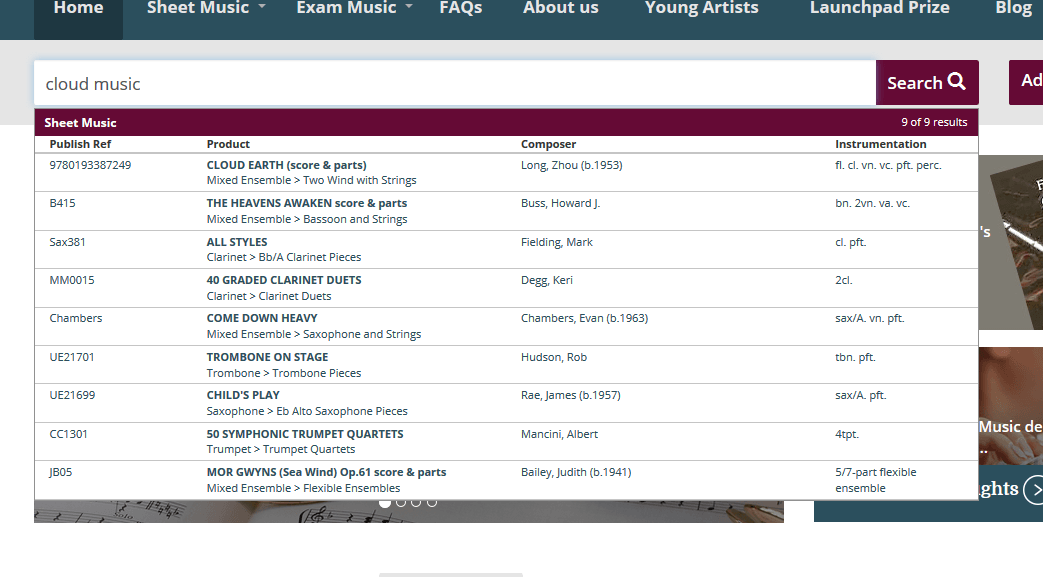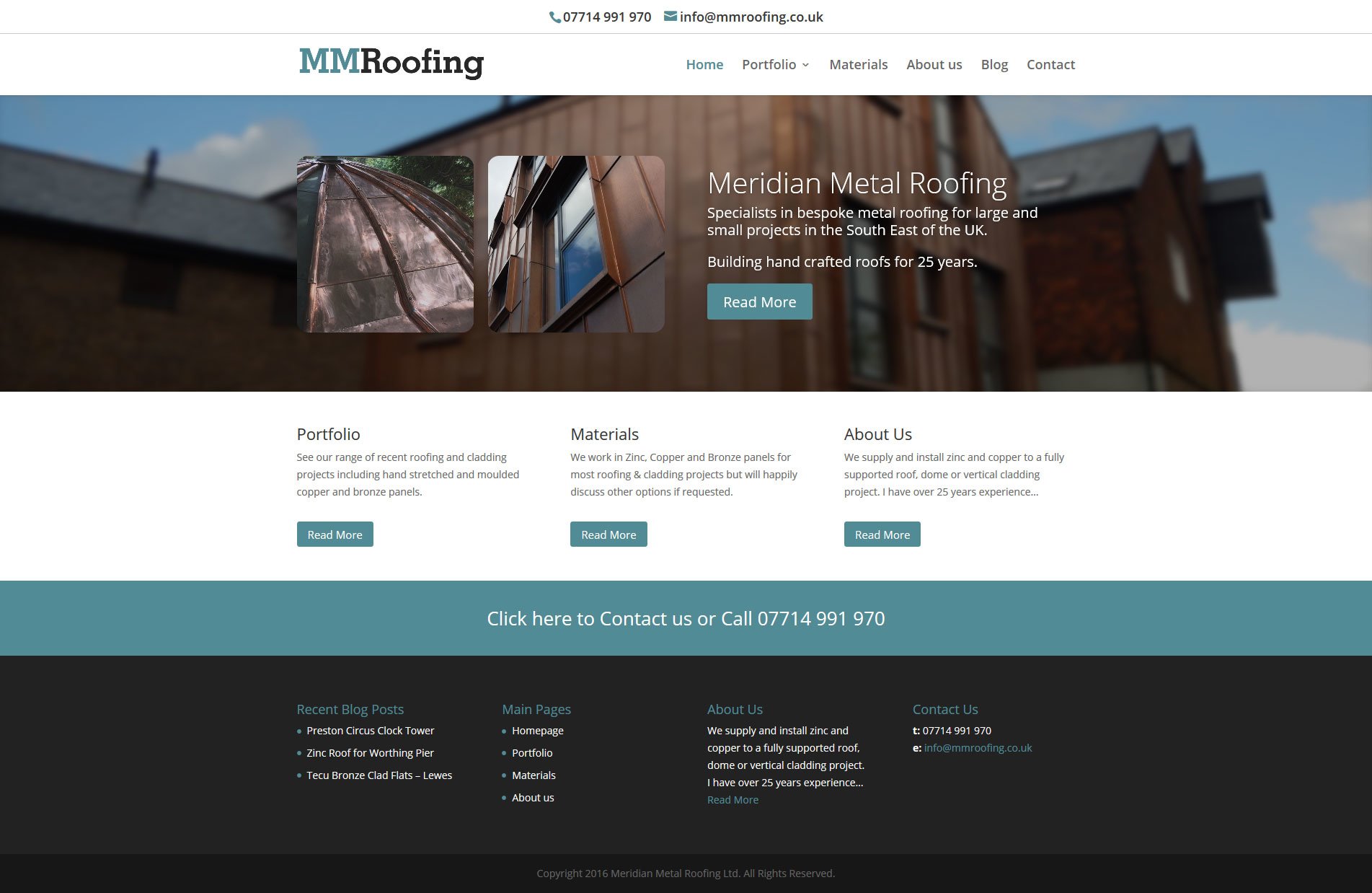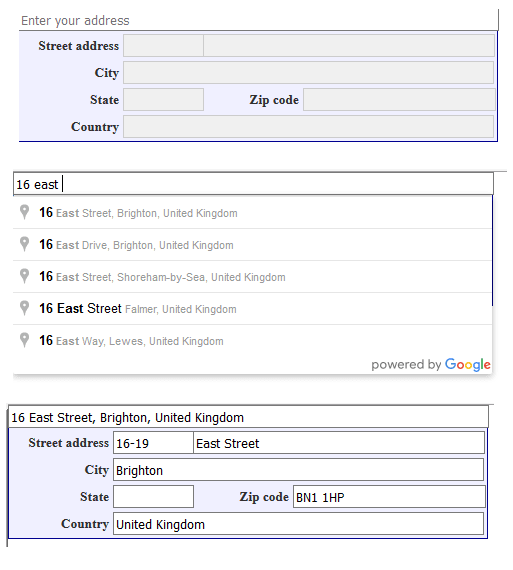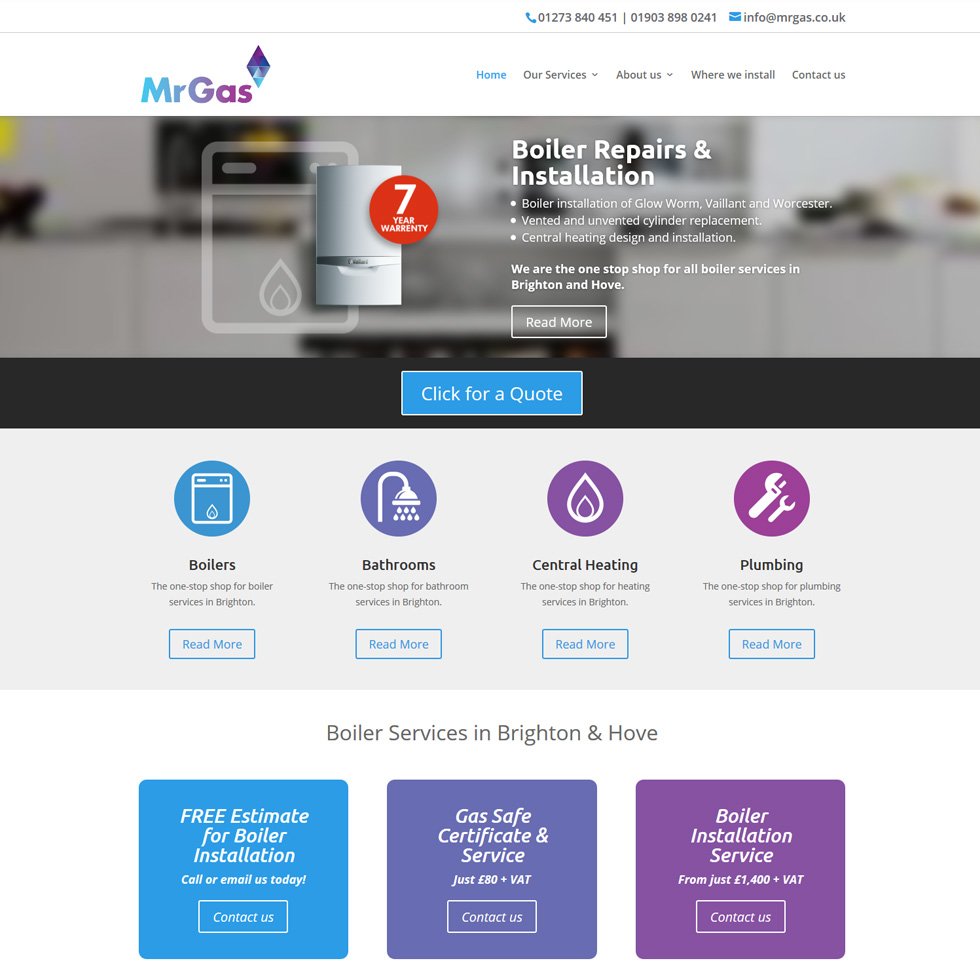
This site is fully content managed and build on thelatest version of Drupal.
You can see the full site at http://www.apex-recruitment.co.uk/
This site is fully content managed and build on thelatest version of Drupal.
You can see the full site at http://www.apex-recruitment.co.uk/
On the site www.cainefashion.co.uk site the Mens category page contains 170 images totalling 1.9mb. The full page including html and javascript totalled 2.2mb.
The recent site redesign gives the customer the benefit of large thumbnails but this in turn increased the full page site by 700K. Especially were the page has so many images. To help improve the performance you can include pagination but the site owner really did not want to have this feature, as the click through rate for next page was very low. Continue reading
We have just completed integration of the f-commerce module from X-Cart which allows Facebook users to browse your products in from X-Cart in Facebook. They can also add to basket and stay in Facebook. When they are ready to purchase they will be sent through to the X-Cart checkout to complete the order.
Checkout the application working live for Beadazzle Boutique. Live Site | Facebook Site

The new f-commerce product tab in facebook
Dave has been working hard over the last couple of months getting Caine Fashions new site design implemented in X-Cart.
New functionality includes homepage slideshow, animated menu’s, New site look and foooter, RSS feed from social networks showing in footer, Larger thumbnail images, new pop up dialogues for size guides and delivery information.
Here are the before and afters:

Here is a tutorial on how to show an RSS feed on your X-Cart Homepage without javascript. This allows google to see that your homepage is showing updated content regularly.
1. firstly you will need to download the latest version of SimplePie from the simple pie website. http://simplepie.org/downloads/
2. In your X-Cart directory create a folder called ‘simplepie’ inside the modules folder. ie, /modules/simplepie
3. Upload simplepie.inc and LICENSE.txt from the simplepie archive to /modules/simplepie
4. Create a folder called cache inside /modules/simplepie and give this file 755 or 777 file permissions.
5. Edit the file /modules/simplepie/simplepie.inc and find
1 2 3 4 5 6 | /** * @var string Cache location (relative to executing script) * @see SimplePie::set_cache_location() * @access private */ var $cache_location = './cache'; |
change this to
1 2 3 4 5 6 | /** * @var string Cache location (relative to executing script) * @see SimplePie::set_cache_location() * @access private */ var $cache_location = './modules/simplepie/cache'; |
6. Now create a new folder called rss in the modules folder ie, /modules/rss
7. Create a file called rss.php and enter the following information.
1 2 3 4 5 6 7 8 9 10 11 12 13 14 15 16 17 18 19 20 21 22 23 24 | <?php if (!defined('XCART_SESSION_START')) { header("Location: ../../"); die("Access denied"); } include_once($xcart_dir . '/modules/simplepie/simplepie.inc'); $feed = new SimplePie(); $feed->set_feed_url("http://www.zone1creative.co.uk/blog/feed"); $feed->enable_cache(true); $feed->init(); $i = 0; foreach ($feed->get_items() as $item) { $rssitem['title'] = $item->get_title(); $rssitem['url'] = $item->get_permalink(); $rssitem['description'] = = $item->get_description(); $rss[] = $rssitem; //set value to how many feed items to show if(++$i > 4) break; } $smarty->assign_by_ref('rss', $rss); ?> |
Change the line http://www.zone1creative.co.uk/blog/feed to your rss url.
Upload this file to /modules/rss
8. Download and edit /home.php
Find
1 2 3 | if (!empty($active_modules['Gift_Registry'])) { include $xcart_dir . '/modules/Gift_Registry/customer_events.php'; } |
and add below it
1 2 3 4 5 6 7 | if (!empty($active_modules['Gift_Registry'])) { include $xcart_dir . '/modules/Gift_Registry/customer_events.php'; } if ($cat == 0) { include $xcart_dir . '/modules/rss/rss.php'; } |
Upload the file again.
9. We now need to edit the smarty template file /skin/{your skin folder}/customer/main/welcome.tpl
1 2 3 4 5 6 7 8 9 10 11 12 13 |
Some search engines (Google for all logged in users, DuckDuckGo, Firefox latest version now also removes keywords, etc.) may not specify the keyword used to reach your website. Piwik will report the keyword as “Keyword not defined”. It means that Piwik has detected that the visitor came from a search engine, but the keyword was not provided in the Referrer URL.
There is no way to access the keyword in this case, and no other web analytics tool can get this information neither.


The law which applies to how you use cookies and similar technologies for storing information on a user’s equipment such as their computer or mobile device changed on 26 May 2011.
One of the first things you need to do is perform a Cookie audit of all your websites. For any site that stores cookies, you need to perform an audit by categorising your cookies into the following areas:
Category 1: strictly necessary cookies
These cookies are essential in order to enable you to move around the website and use its features, such as accessing secure areas of the website. Without these cookies services you have asked for, like shopping baskets or e-billing, cannot be provided.
Category 2: performance Cookies
These cookies collect information about how visitors use a website, for instance which pages visitors go to most often, and if they get error messages from web pages. These cookies don’t collect information that identifies a visitor. All information these cookies collect is aggregated and therefore anonymous. It is only used to improve how a website works.
Category 3: Functionality Cookies
These cookies allow the website to remember choices you make (such as your user name, language or the region you are in) and provide enhanced, more personal features. For instance, a website may be able to provide you with local weather reports or traffic news by storing in a cookie the region in which you are currently located. These cookies can also be used to remember changes you have made to text size, fonts and other parts of web pages that you can customise. They may also be used to provide services you have asked for such as watching a video or commenting on a blog. The information these cookies collect may be anonymised and they cannot track your browsing activity on other websites.
Category 4: Targeting cookies or advertising cookies
These cookies are used to deliver adverts more relevant to you and your interests They are also used to limit the number of times you see an advertisement as well as help measure the effectiveness of the advertising campaign. They are usually placed by advertising networks with the website operator’s permission. They remember that you have visited a website and this information is shared with other organisations such as advertisers. Quite often targeting or advertising cookies will be linked to site functionality provided by the other organisation.
Official ICO guide to Cookie Implementation : http://www.ico.gov.uk/for_organisations/privacy_and_electronic_communications/the_guide/cookies.aspx
![]()
The easiest way to find what has been posted on Pinterest from your website by other Pinterest users is to use the following url.
http://pinterest.com/source/yourdomain.co.uk/
So to see all pins from www.beadazzle.co.uk
goto http://pinterest.com/source/beadazzle.co.uk/
Other pinterest boards
We have just put live the site upgrade to Ackerman Music based in East Sussex, UK. The site runs on X-Cart 4.2 and includes a new mega menu navigation menu along side live branch availability for individual products.
With 30K plus products on this store, this site is by far the largest store we have seen on X-Cart.